Best Types of Alarm Clocks















Key Takeaways
A dedicated alarm clock lets you set a wake-up time without using your phone as the bedside alarm. Choose the signal, display, controls, and power arrangement that fit your routine. Buying a clock does not by itself guarantee better sleep.
- Write down the alarm signal you need and the time you need it to sound. Sound, a bed shaker, and flashing light are different options. If you need a shaker, check compatibility with the alarm unit and follow its placement instructions.
- Check how you will read the time and change the alarm. Look for a dimmer setting you can tolerate at night and controls you can distinguish without opening an app. A silent clock movement describes ticking noise; it does not tell you whether the alarm can wake you by vibration.
- Check each power function in the manual: timekeeping, saved settings, display operation, and the alarm during an outage. Confirm which batteries or adapter you need. A USB socket for charging a phone does not mean the clock itself is rechargeable.
- If you want music or radio as the alarm, confirm that the model can wake to that source. Bluetooth playback alone does not establish Bluetooth alarm support. For an app or voice-controlled clock, check setup requirements and what remains available without the phone or internet connection.
- Use the category links to build a shortlist. Record each model’s number, required accessories, total current cost, and any unanswered question from the manual. After setup, try the alarm while awake and check how to stop it. Keep the instructions for future battery changes or schedule adjustments.
Understanding Different Types of Alarm Clocks
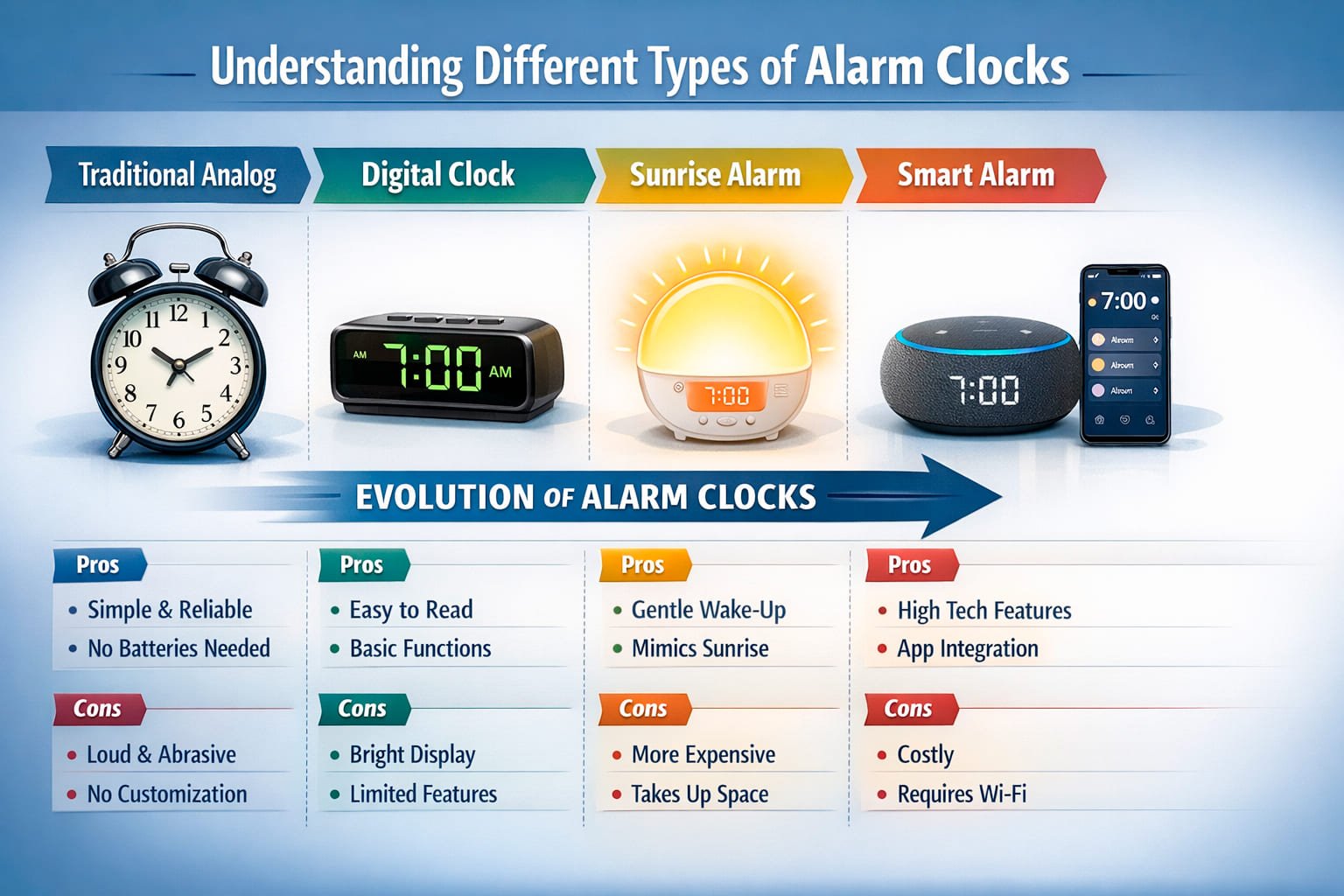
Use the type sections to choose a starting point: a digital display, an analog face, projected time, light, or an audio source.
The links lead to separate categories. A category label does not confirm the functions of every model listed there.
Before shortlisting a model, find its instructions and check the feature you need.
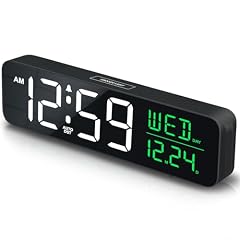
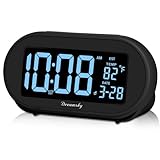
Traditional Digital Alarm Clocks
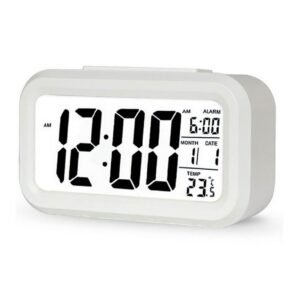
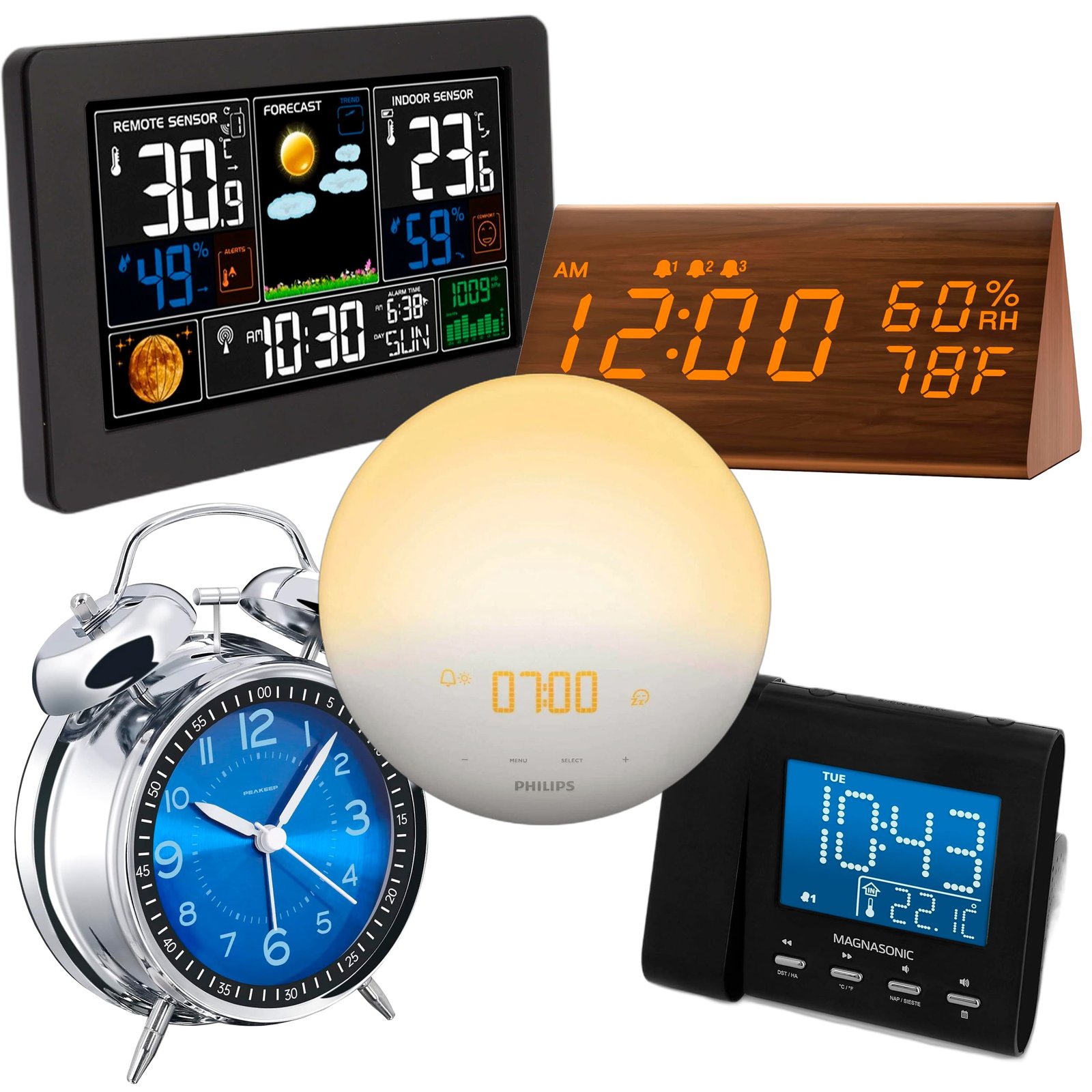
Start with the alarms and schedule you need. Check whether the exact model supports separate alarm times and the weekday or weekend settings you intend to use.
Find the brightness controls in the instructions. Confirm whether they change the display while the alarm remains enabled.
Compare the lowest display setting with your preference for a dark room. A red display is not a substitute for a dimmer or an off setting.
Sunrise Simulation Alarm Clocks

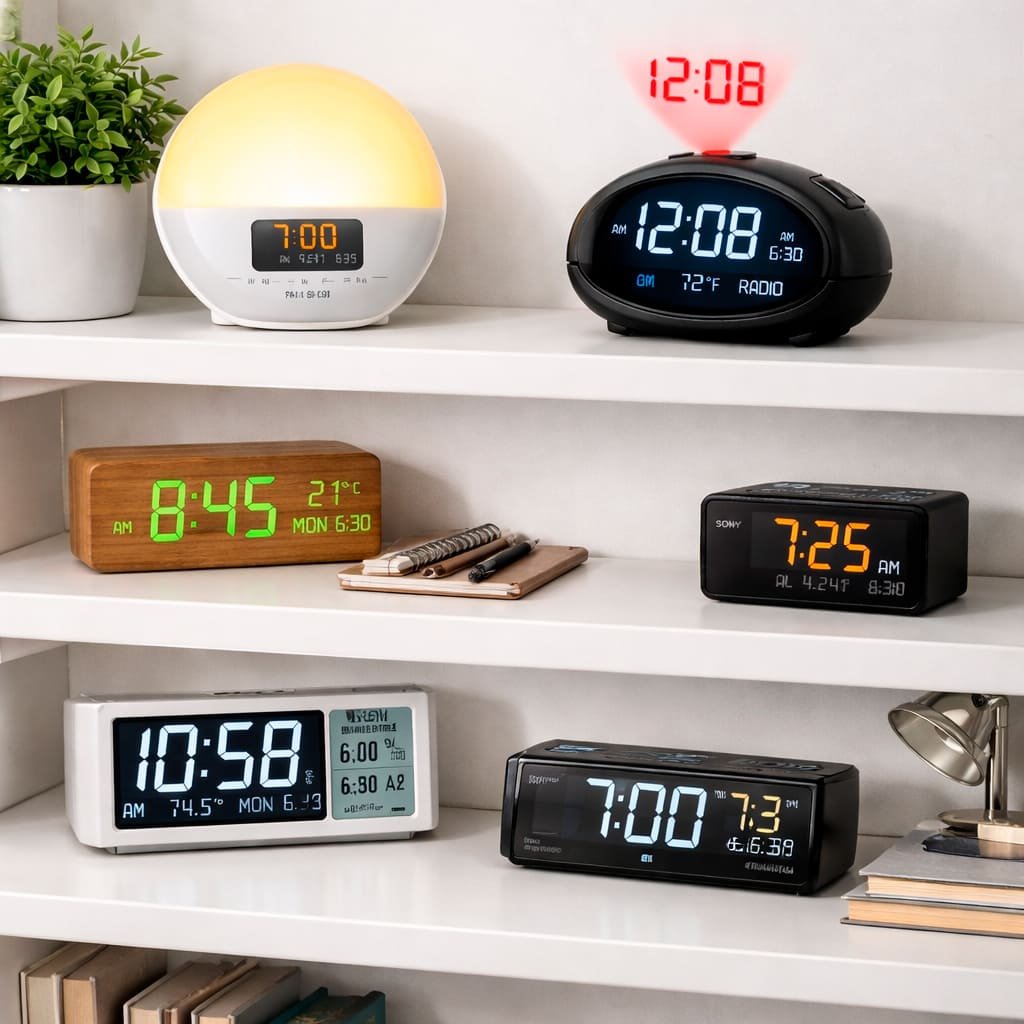
For a sunrise clock, check the light duration, brightness controls and whether an audible alarm can also be enabled.
Follow the model’s placement instructions. Light and sound are separate features; confirm which ones operate at the alarm time.
Include any required adapter or accessory in the price comparison.
Smart Alarm Clocks

Check the connection method and compatible app or voice assistant. Bluetooth support does not establish Wi-Fi or voice control.
Find out how the alarm is set and stopped. If setup needs a phone or internet connection, check what still works without it.
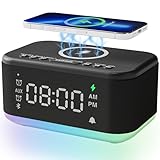
For phone charging, check the USB output and the standards supported by your device. A USB output does not mean the clock itself is rechargeable.
Treat tracking and variable wake-up windows as features to verify in the manual. Their labels do not establish accurate sleep-stage detection.
Analog Alarm Clocks

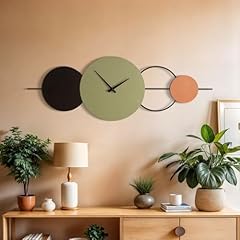
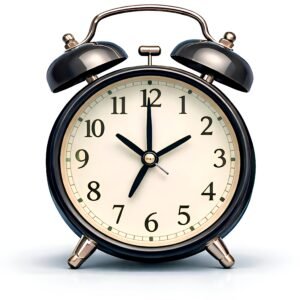
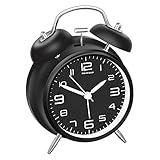
An analog clock uses hands to show the time. Check the exact model’s power supply and alarm controls; the face does not tell you how either operates.
Check whether the movement ticks and whether the alarm has a separate on/off control. A silent movement describes timekeeping noise, not a silent wake-up signal.
Projection Alarm Clocks

Check the projection direction, focus and brightness controls against the wall or ceiling you plan to use. Confirm the permitted distance in the instructions; projection is not a guarantee of readability from every position.
Alarm Clocks with Radio and Sound Features

Check which sources can actually be used as the alarm: radio, stored sounds or connected audio. Playback support alone does not establish alarm support.
If a connection or station is unavailable, find out what happens at the alarm time. Compare speaker and volume controls by model, rather than ranking sound from wattage or brand alone.
| Audio Feature | Alarm Support to Verify | Playback and Setup to Check |
|---|---|---|
| FM/AM Radio | Can the selected station sound the alarm? | Check what happens when the station is unavailable. |
| Nature Sounds | Can the chosen sound be selected as the alarm? | Preview the sound and check the volume controls. |
| Bluetooth Streaming | Does the model support connected audio as an alarm source? | Check the alarm behavior when the phone is disconnected. |
| White Noise | Can playback be controlled separately from the alarm? | Find the volume range, timer and playback controls. |
| Guided Meditation | Which recordings are available? | Check the timer, volume controls and any subscription requirements. |
Key Features to Consider When Buying an Alarm Clock
Make a short list of required functions before comparing offers. Mark a function as confirmed only when it appears in the exact model’s instructions or listing; leave unanswered questions open.
| Feature | Controls or Instructions to Find | Question to Resolve | Before Buying |
|---|---|---|---|
| Display Readability | Digit size, contrast, dimmer and display-off controls | Can you read the time at the intended distance? | Check the lowest brightness setting. |
| Alarm Sound Options | Alarm source and volume controls | Can you select the signal you need? | Preview the sound where a sample is available. |
| Power Backup | Battery, adapter and outage instructions | What continues to operate during an outage? | Check timekeeping, stored settings, display and alarm operation separately. |
| Snooze Function | Snooze interval and repeat settings | How is the next alarm controlled? | Confirm the snooze and stop controls in the instructions. |
| Connectivity | Required connection and compatible system | What works without the phone or internet? | Verify the connection method and supported commands. |
| Special Features | Controls for each extra feature | Which functions will you use? | Check the instructions for those functions before comparing offers. |
Compare the total cost of the confirmed setup, including any required adapter, accessory or subscription. Price alone does not establish reliability.
Display Options and Readability
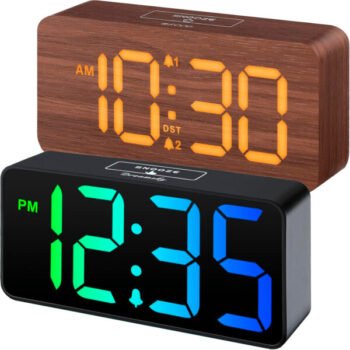
Check digit size and contrast at the distance from which you expect to read the clock. Locate the dimmer and display-off controls before buying.
For a projection display, also check focus, direction and the permitted distance. Choose according to the room and controls you need, rather than color alone.
Alarm Sound Types and Volume Controls
Preview the available alarm sounds if the seller provides a sample. Check the volume range and whether volume can rise gradually.
Confirm which sound settings apply to each alarm. A preferred sound does not establish that it will wake every user.
- Beeping/Buzzing: Choose an alarm you can hear and tolerate.
- Nature Sounds: Sound preference and waking response vary.
- Music: Verify the supported alarm source and volume controls.
- Radio: Check whether the selected model can wake to the desired source.
- Graduated Volume: Check whether the model offers adjustable alarm volume and a gradual increase.
If you need different alarms on workdays and days off, check the scheduling controls separately from sound and volume settings.
Power Sources and Backup Options
Read the manual’s outage instructions. Check timekeeping, saved settings, display operation and the alarm separately; a backup battery may not support them all.
Record the battery type and any adapter required. Follow the replacement guidance and test the alarm after a battery change.
Additional Functionality
For each extra feature, identify what you would use and how you would control it. Leave a feature out of the comparison if its operation is not documented.
Check phone charging separately from clock power. Confirm the USB output and whether the clock needs batteries or mains power.
For connected audio, verify the alarm source and the fallback when the connection is unavailable.
- For weather information, check the data source and required connection or sensor.
- For sound playback, check volume, timer and whether playback is controlled separately from the alarm.
- Smart home integration: Check the compatible system and supported commands.
- For tracking or a variable wake-up window, verify the documented controls; the label does not establish accurate sleep-stage detection.
- For schedule features, check the number of saved alarms and the supported day settings.
Before buying, check the warranty, support arrangements and whether the parts you may need to replace are accessible to the user.
Build Quality and Durability
Look at the setting buttons, alarm switch, cable connections and battery compartment. Check whether you can distinguish and operate the controls you will use regularly.
Use the model’s warranty and servicing instructions to assess support. A heavy case or metal finish does not establish the durability of its internal components.
Choosing an Alarm Signal for Your Routine
Choose according to the signal and controls you need. Use the following checks to narrow a category and confirm the complete setup for the model you are considering.
Alarm Clocks for Heavy Sleepers
For a bed shaker, confirm compatibility with the alarm unit, its connection and placement instructions, and how it is powered.
For audible alarms, inspect the volume controls and any sound-level measurement method supplied. Do not assume the loudest setting is necessary or that a frequency claim establishes wake-up reliability.
If you need light as well as sound or vibration, verify that the required signals can operate together. None of these labels guarantees waking every sleeper.
Gentle Wake Options for Light Sleepers
Check adjustable volume, gradual volume and the sounds you can select. Choose a signal you can hear and tolerate.
If you are considering light, verify the light and sound settings separately.
Alarm Clocks with Sleep Aid Functions
Check the playback timer, volume and whether sound playback is controlled separately from the alarm.
For lighting, look for brightness and switch-off controls. Treat these as device functions rather than a treatment for sleep problems.
Travel Alarm Clocks
Check packed size and weight, control lock, power requirements and replacement-battery availability. Confirm how you will set and check the local alarm time at your destination.
Choosing a Separate Alarm Clock or a Phone
A separate clock may suit you if you want physical alarm controls or prefer to leave your phone away from the bed.
Compare the clock’s actual controls and power behavior with your current setup. Buying a clock does not by itself guarantee better sleep or a more reliable alarm.
Keeping a Phone Away from the Bed
If your goal is to keep the phone away from the bed, choose a clock whose display and controls you can use without returning to an app.
Confirm you can set, verify and stop the alarm without using the phone.
Reliability and Simplicity
Find the alarm indicator and check how to confirm that the alarm is enabled. Verify the chosen time and schedule after setup.
Check outage behavior before relying on backup power. Keeping settings is not the same function as sounding the alarm during a power failure.
A Phone-Free Bedside Setup
For a phone-free bedside setup, check the lowest display brightness and whether you can turn the display off.
Choose a position where the time and alarm controls remain usable.
- Set an alarm schedule that leaves enough time to get up.
- Check the lowest brightness setting and whether the display can turn off.
- Confirm you can set and stop the alarm without the phone.
- Check where the clock and its power cable will fit.
- Confirm the alarm time and enabled indicator before leaving the clock.
How to Get the Most From Your Alarm Clock
Use the selected model’s instructions for placement, setup and care. After changing settings, check the alarm indicator and perform a test while awake.
Placing the Clock in Your Bedroom
Place the clock where you can read the display and reach the controls without risking a fall or knocking it over. Check cable routing and the space needed for buttons and switches.
For sunrise light or projection, follow the manufacturer’s distance and orientation instructions. Confirm readability from the position you plan to use.
In a shared room, consider who needs the alarm and which signal is acceptable to both people. Placement alone does not guarantee that the other person will remain asleep.
Setting Multiple Alarms Effectively
Check how each alarm is enabled and whether it repeats on the intended days. Leave enough time to get up and confirm the next alarm time and day.
| Situation | Settings to Check | What to Verify |
|---|---|---|
| Normal Workdays | Set an alarm schedule that leaves enough time to get up. | The next alarm time and day match your schedule. |
| Critical Mornings | Primary alarm plus backup on different device | Reliability still depends on correct setup and power. |
| Weekends/Days Off | Enable only the alarm days you intend to use. | The next alarm time and day match your weekend schedule. |
| Travel/Jet Lag | Set or confirm the destination’s local time; check any time-zone setting in the instructions. | Confirm the next alarm time and day after changing the clock. |
After a schedule change, confirm the next alarm time and day. If you use a separate backup device, check its settings and power as well.
Maintenance and Care
Follow the manual’s battery, cleaning and servicing instructions. Check low-battery warnings and test the alarm after replacing batteries.
Before attempting a repair, verify which parts the manufacturer allows the user to replace. Do not assume an internal battery or light source is user-serviceable.
Choosing Alarm and Snooze Intervals
Choose an alarm time that gives you enough time to get up. Check the snooze delay and repeat behavior in the selected model’s instructions, then confirm the next alarm time and day.
Comparing Alarm Sounds
Compare the actual alarm sounds and controls. Audibility and personal preference are more useful buying checks than a promise that a sound will change your mood.
Nature, music and beeping labels do not establish a particular physiological effect or guaranteed waking response.
Low vs. High Frequency Alarm Sounds
Check the available sounds and volume controls for the intended user. A stated frequency range alone does not establish wake-up reliability.
If a seller gives a sound-level figure, look for the measurement distance and method before comparing it with another model.
Nature Sounds vs. Beeping Alarms
Preview the exact sound where a sample is available. Check that it can be selected as the alarm and played at the volume you need.
For beeping alarms, check the model’s volume and control settings as well.
Music as an Alarm Sound
Confirm that the chosen music source can sound the alarm, then check its volume and playback controls.
For Bluetooth audio, check the documented alarm behavior when the phone is disconnected. Bluetooth playback alone does not confirm Bluetooth alarm support.
Alarm Clocks for Special Needs and Situations
Choose accessible controls and signals for the individual user. Check the complete setup, including accessories, rather than assuming that a category label establishes suitability.
Sound, vibration and flashing light are separate options. Confirm which functions the exact device supports and how they are set and stopped.
Alarm Clocks for People with Hearing Impairments
If an audible alarm is unsuitable, check the available vibration or flashing-light mode and whether it can be used without sound.
For a bed shaker, verify the compatible unit, connection, placement and power instructions. A vibration claim alone is not a wake-up guarantee.
Alarm Clocks for People with Visual Impairments
Check digit contrast and readability at the intended distance. Inspect the controls needed to set, confirm and stop the alarm.
For voice features, verify the supported functions, app-based setup and what works without an internet connection.
Alarm Clocks for Shift Workers and Irregular Schedules
Check whether the model can save the different alarm times and day schedules you need. Verify each setting after a shift or schedule change.
Check dimming and display-off controls for daytime or nighttime use. Room-darkening shades are a separate part of the room setup.
If you want light at the alarm time, confirm the device’s schedule and placement instructions.
Before You Choose a Model
Use the category links to shortlist a type, then confirm the required functions in the exact model’s instructions. Keep unresolved power, accessory or schedule questions open until you have an answer.