Side-by-Side Comparison
Usb Charging Alarm Clocks

Open the comparison detailsCompare the criteria for the picks shown above.Show detailsHide details
Top 10 Of The Best Usb Charging Alarm Clocks

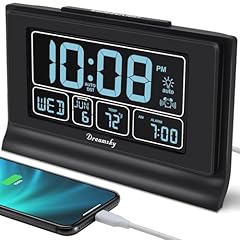
DreamSky Alarm Clocks for Bedrooms with Battery Backup, Auto Set Digital Clock with Date and Day of Week,...
Overview
DreamSky combines an automatically set digital clock, date, weekday, temperature, dimmable 5-inch LCD, single alarm, snooze, and one charging output.
Key Features
- The screen offers six manual brightness levels plus automatic dimming.
- Seven U.S. time zones and Newfoundland time can be selected, with optional automatic DST adjustment.
- A 1.5-meter USB cable powers the clock, while three AAA cells preserve time and settings during interruption.
Considerations
The backup batteries are not included, and the alarm volume is not adjustable. The listing calls the input and charging connections two USB ports but only one charges a device; verify port type and resolve the 6.1-versus-6.2-inch width before buying.
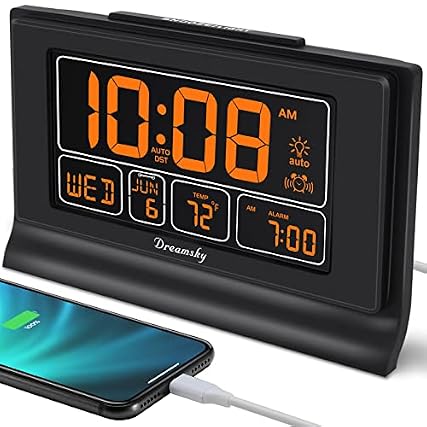
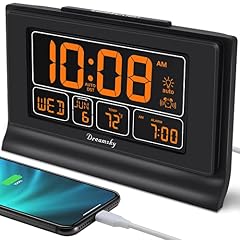
DreamSky Digital Alarm Clock with Battery Backup, 5 Inch Large Display, Auto Set Clock, USB Charging Ports,...
Overview
This orange-digit DreamSky has a 5-inch LCD showing time, date, weekday, and temperature, with automatic setup, dimming, ascending alarm, snooze, and USB charging.
Key Features
- The case has a recorded 6.1-inch width and 4-inch height.
- Auto DST and selectable U.S. and Newfoundland time zones reduce seasonal clock adjustments.
- Three AAA batteries retain settings and time when normal plug-in USB power is lost.
Considerations
The AAA cells are not supplied and serve backup rather than routine screen power. Confirm the charging-port output, included cable and adapter, display depth, and 8-minute snooze before purchase, especially if a phone must charge quickly overnight.

Digital Alarm Clock, Large LED Digital Clock for Bedrooms with 10 Color Changing Night Light, Adjustable...
Overview
This black 7-inch LED clock combines large digits, two alarms, automatic night dimming, colorful number and ambient lighting, plus USB and Type-C device outputs.
Key Features
- Eleven digit-color choices sit above a separate set of 10 ambient-light colors.
- Both a USB output and a Type-C output can charge two devices at the same time.
- A button cell retains time data; the display still needs a live USB connection.
Considerations
The package has no wall plug and requires a 5-volt, 1-amp or 2-amp adapter. Confirm cable inclusion and each charging-output rating before purchase; buyers needing cordless screen operation should exclude this model.
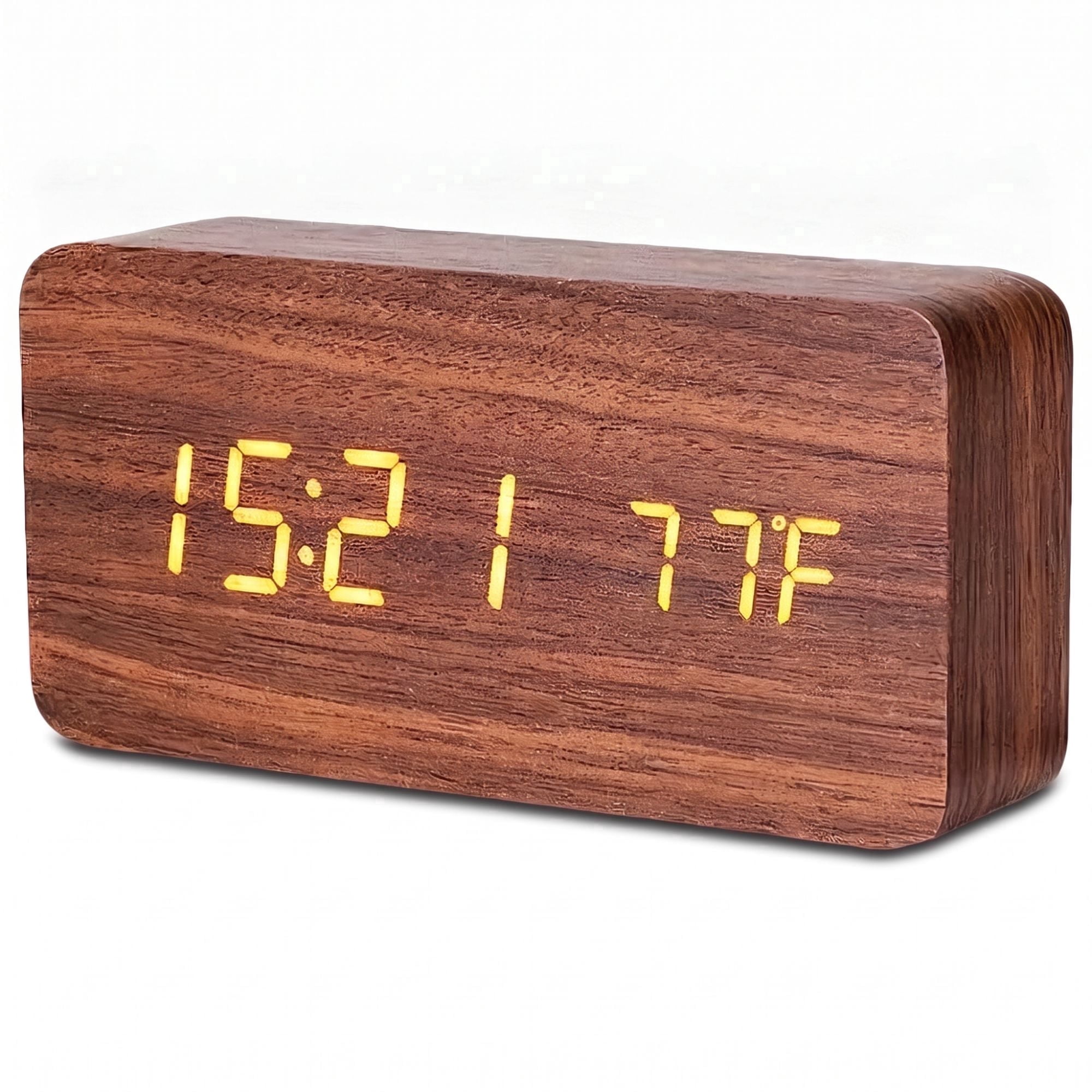
DAYBETTER Wooden Digital Alarm Clocks for Bedrooms, USB Port & Battery Powered, Loud Alarm Clock for Heavy...

AMIR Bedroom Ceiling Projection Alarm Clock - 7.9" LED Display with Adjustable Brightness, 12/24 Hour...
Overview
AMIR WA113B&C-AQUS pairs a 7.9-inch LED clock with date and temperature, ceiling projection, snooze, scheduled alarms, night dimming, memory, and USB charging.
Key Features
- The main screen has three brightness levels, while the projector has two.
- The projected time rotates through 180 degrees and focuses for wall or ceiling viewing.
- Alarm scheduling can cover weekdays, Monday through Saturday, or every day.

Considerations
A 1.5-meter USB cable keeps the screen on, but the source does not identify the wall adapter, backup battery, or charging-output specification. Confirm those items and the fixed projection orientation before ordering.
Also featured in: Top 6 Best Innovative Alarm Clocks with Projection

GOLOZA Upgraded Digital Alarm Clock for Bedrooms, Digital Clock with Customizable Night Mode, 5 Levels...
Overview
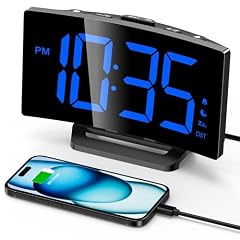
GOLOZA TCA-245 is a plug-in digital alarm with large blue digits, programmable night mode, five brightness levels plus off, USB charging, snooze, and memory.
Key Features
- Three alarm tones pair with two listed volume levels from 75 to 85 decibels.
- A raised snooze button postpones the alarm for 9 minutes.
- Time can display in 12-hour or 24-hour format, with a separate DST option.
Considerations
The backup battery only memorizes settings: during an outage the screen is blank and the alarm does not sound. Confirm the battery type, USB input and charging-output arrangement, cable and adapter contents, and treat the sound levels as seller specifications before purchase.

JACKYLED Alarm Clock with 4 USB Chargers Power Strip 3 Outlets 1700J Surge Protector Nightstand Dimmable...
Overview
JACKYLED integrates a digital bedside clock with a power strip: three AC outlets, four USB charging ports, dual alarms, snooze, and backup memory.
Key Features
- The 5.3-by-1.8-inch LED face offers off, low, medium, and full brightness.
- Four USB ports share 4.8 amps and 24 watts, with up to 2.4 amps stated per port.
- The power section lists 1700-joule surge protection plus overload, voltage, current, short-circuit, and heat safeguards.

Considerations
Two AAA batteries are required for backup and not included; normal outlet and charging operation depends on AC power. Check the 13.46-inch overall width, cord placement, outlet spacing, device load, and 9-minute snooze before purchase.

Mesqool Digital Projector Alarm Clocks for Kids Bedroom,Plug-in Clock with 180° Projection on Ceiling...
Overview
Mesqool MS-CR01F combines a plug-in digital alarm, ceiling or wall projection, dual alarms, adjustable sound and brightness, snooze, backup memory, and USB charging.
Key Features
- The focused projection is designed for a range from 1.6 to 9.8 feet and can flip orientation.
- Five screen-dimming and five alarm-volume levels support different rooms and sleepers.
- A 5-volt, 1-amp USB output can charge a phone or tablet.

Considerations
All normal functions require AC power; two AAA batteries, not included, retain settings during an outage. Confirm adapter and cable contents, projection color, charging speed, and whether the 9-minute snooze fits the routine before buying.

Treayes Large Numbers LED Display, Electric Bedside Desk Clock with USB Charging, 7 Colors Lights, Three...
Overview
The Treayes CWW-NZ is a slim digital clock with seven-color display modes, three alarms, configurable snooze, date and temperature screens, plus corded or AAA operation.
Key Features
- The body measures 5.5 inches wide, 1.2 inches deep, and 2.2 inches high.
- Three AAA batteries or a 5-volt, 2-amp cord can supply power.
- Battery-only operation turns the screen off after 16 seconds to conserve energy.

Considerations
The title mentions USB charging, but the description documents a power input and does not establish a device-charging output. Confirm the cable, adapter, port direction, battery inclusion, and selectable 1-to-60-minute snooze before purchase.

Acedeck Super Loud Alarm Clock: 115dB Dual Alarms and 6 Alarm Sounds for Heavy Sleepers - Adult Shift...
Overview
Acedeck L01 targets sleepers needing a forceful wake signal, with two alarms, six sounds, snooze, a 4.2-inch dimmable LED display, USB charging, and outage support.
Key Features
- The seller rates the loudest alarm at 115 decibels across six selectable sounds.
- AAA backup retains settings and can support the alarm during a power interruption.
- An external supply powers normal display operation and the built-in USB charging port.
Considerations
The batteries do not recharge while the clock is plugged in. Confirm cell count, battery inclusion, adapter and cable contents, charging output, and acceptable volume before purchase; the 115-decibel figure is seller-provided rather than an independent measurement.
Which charging clock fits the nightstand and viewing position?
Display labels do not equal total case size. DreamSky has a 5-inch LCD in a body roughly 6.1 inches wide, the colorful model uses a 7-inch screen, AMIR expands to 7.9 inches, and Treayes stays only 1.2 inches deep. JACKYLED is a much wider power-strip clock at 13.46 inches, so outlet and cable clearance matter. Projection models also need a clear ceiling or wall path; Mesqool specifies 1.6 to 9.8 feet. Check digit readability from bed, the lowest usable brightness, top-button reach, port access with cables inserted, and enough space for phone connectors without forcing the clock toward the edge.
What powers the clock, charging port, and backup functions?
Separate three roles: normal clock input, device-charging output, and backup cells. DreamSky uses a USB cable for normal power and three AAA cells for retained time and settings. The colorful 7-inch model needs a 5-volt adapter and uses its button cell only for memory. GOLOZA also blanks the screen and silences the alarm during backup. Mesqool needs AC for normal functions, while its two AAA cells store settings. Treayes can operate from three AAA cells, but the display sleeps after 16 seconds. Acedeck states that backup can sound the alarm. JACKYLED's charging ports and outlets depend on its AC connection. Verify every adapter, cable, and battery separately.
Which alarm, display, or port limitation rules out a model?
Single-alarm DreamSky with fixed volume is a poor fit for two schedules or sound-sensitive users. GOLOZA offers three tones and two volume settings but no alarm during backup. Mesqool adds dual alarms, projection, and five volume levels. Acedeck emphasizes a seller-rated 115-decibel maximum, which may be excessive in shared rooms. The colorful clock provides simultaneous USB and Type-C outputs, while JACKYLED adds four shared USB ports and three AC outlets. VOLIVO and Treayes should be rejected for phone charging until an output port is confirmed; USB in their records may describe only the clock's power input. Screen-off battery modes also disqualify models needing continuous visibility.
What should be confirmed before connecting devices overnight?
Identify each connector as input or output and obtain its voltage, current, shared-wattage rule, cable, and adapter. Confirm whether backup saves settings, keeps time, sounds alarms, or illuminates the display. Match the battery type and count, then test outage recovery before depending on it. For DreamSky, resolve the two-port wording and small dimension conflict. For AMIR, verify that the title's USB charging means a usable device output. For JACKYLED, compare the combined phone and AC-appliance load with its stated limits and inspect outlet spacing. Request photographs of the port labels, power socket, battery compartment, dimmer, alarm controls, and included accessories for the selected identity.
Related Guides: Usb Charge Alarm Clocks